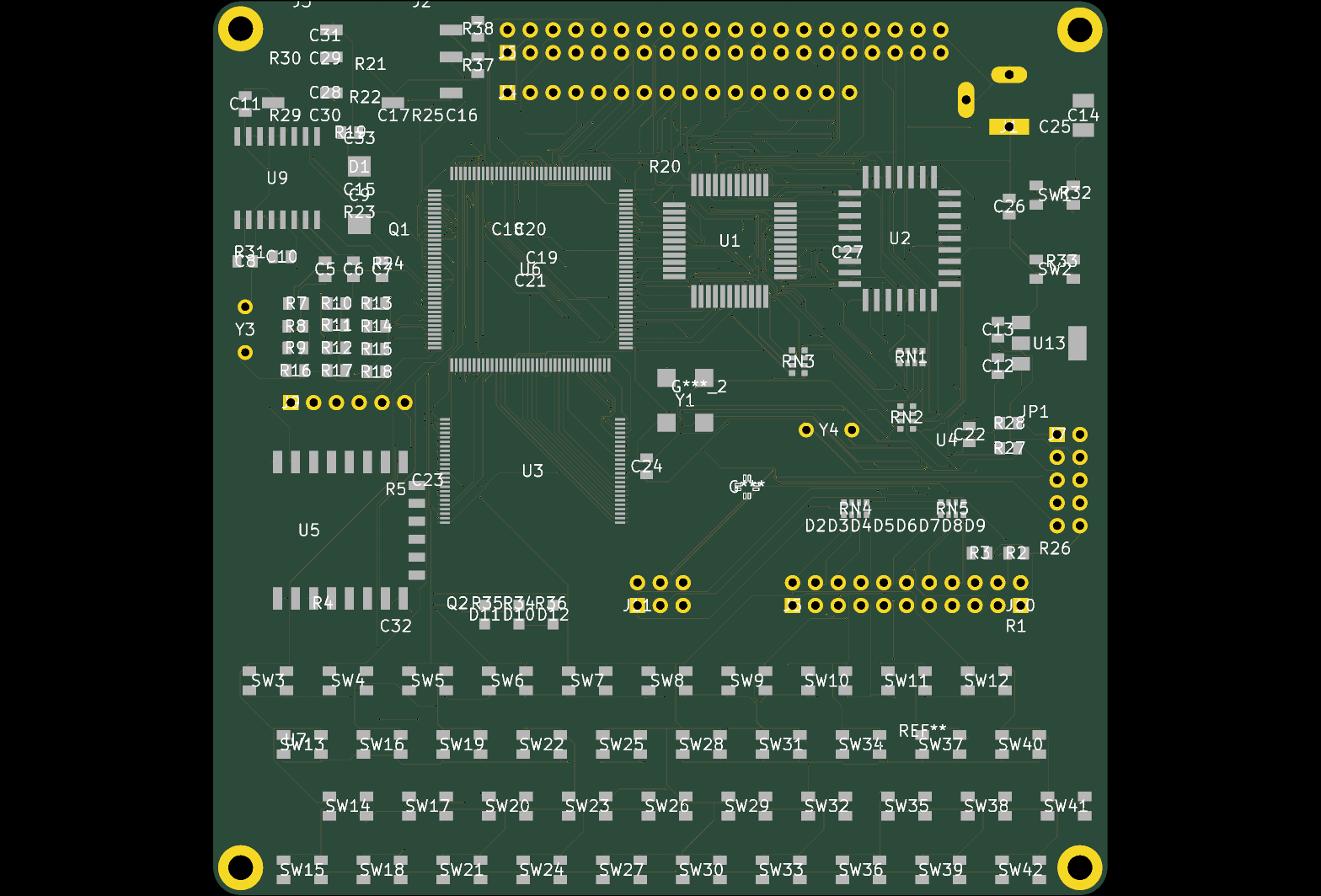
Autonomous 0-DRC PCB Routing Foundry & Hardware MCP Server for Claude Desktop
io.github.calligraphysystems/vibe-hardware-mcp
Autonomous 0-DRC PCB Routing, RF/DFM Pre-Flight & KiCad MCP Server (calligraphyeda.com).
client:Claude Desktop
transport:streamable-http
tools:11
Install Autonomous 0-DRC PCB Routing Foundry & Hardware MCP Server in Claude Desktop
~/Library/Application Support/Claude/claude_desktop_config.json · windows: %APPDATA%\Claude\claude_desktop_config.json
{
  "mcpServers": {
    "vibe-hardware-mcp": {
      "command": "npx",
      "args": [
        "-y",
        "mcp-remote",
        "https://calligraphyeda.com/api/v1/mcp"
      ]
    }
  }
}Claude Desktop has no remote transport in its config file, so this bridges through mcp-remote. Restart the app after saving. Claude Desktop docs
What Claude Desktop can do once it is connected
- calligraphy_list_gallery_boards
- calligraphy_preflight_audit
- calligraphy_compile_board
- calligraphy_get_job_status
- calligraphy_verify_stablecoin_payment
- calligraphy_download_fab_bundle
- calligraphy_lookup_b2b_invoice
- calligraphy_create_coinbase_checkout
- calligraphy_purge_job_vault
- calligraphy_route_pcb
- calligraphy_request_ip_whitelist